Printing crosswords and templates
To print a crossword or template, select it in the Library Browser, and then choose the print option from the context menu or toolbar. For a crossword, you can choose to print the grid, the clues, or both.
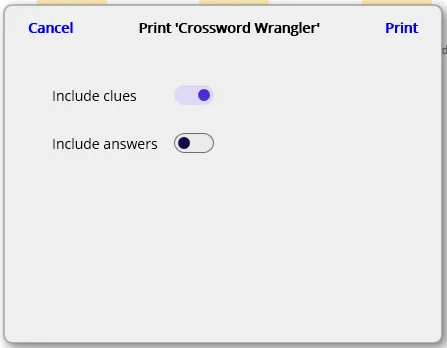
Select which aspects of the crossword you want to print, and then click the “Print” button to proceed to Windows’ print dialogue. For templates, the options dialogue is skipped and you are taken directly to Windows’ print dialogue.