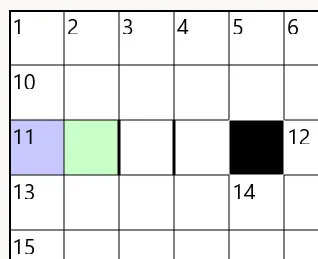
The Select Tool
The Select Tool in Crossword Wrangler is used to select individual cells and lights in order to perform various actions on them, such as editing their contents or setting properties via the side-panel. It can also affect grid layout by allowing you to resize lights within the crossword grid.
Using the Select Tool to resize lights
Section titled “Using the Select Tool to resize lights”- In the tool strip, select the Select Tool icon:

- Click and hold on the start or end cell of the light you want to resize:
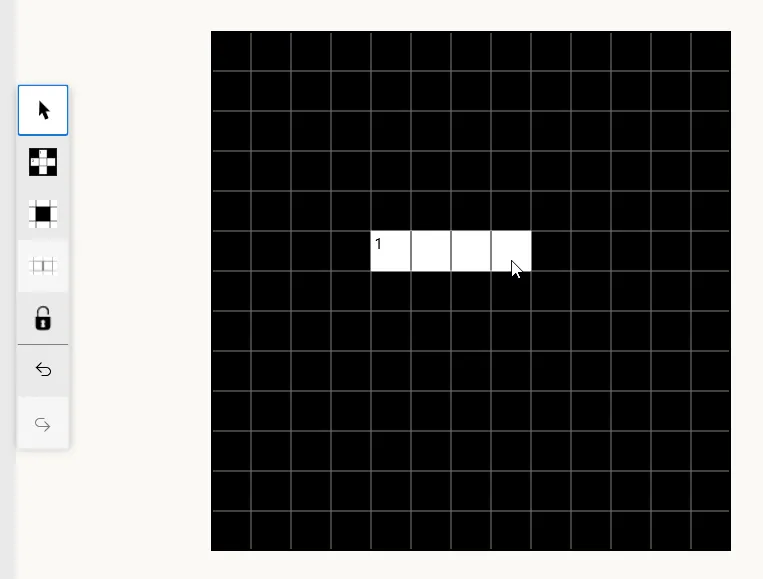
- Drag the mouse to resize the light to the desired length. The light will dynamically update as you drag:
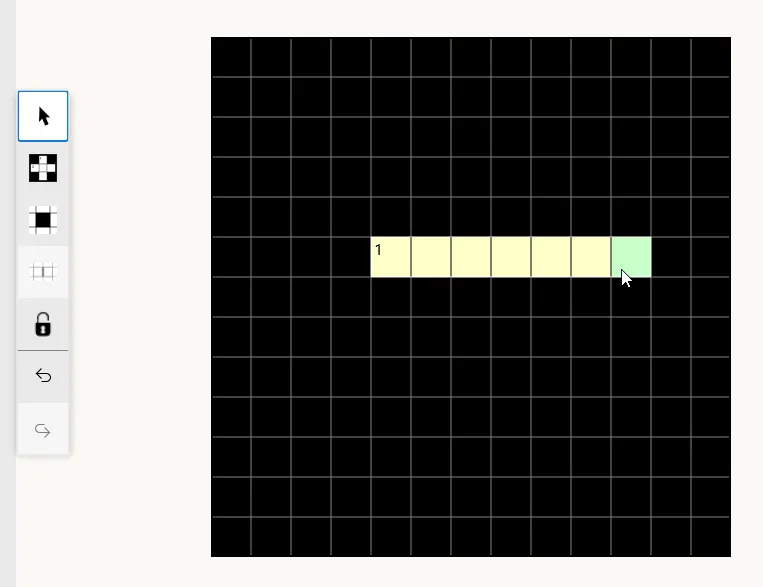
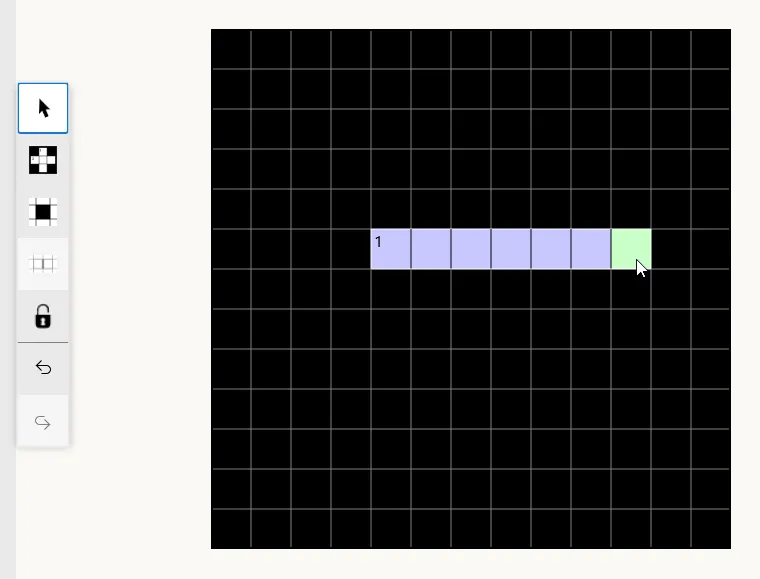
- Release the mouse button. The light will be resized to its new length (and will become selected):
Restrictions
Section titled “Restrictions”- Lights can only be resized within their current orientation. It is not possible to resize an across light to a down light, or vice versa.
- Lights must consist of at least two contiguous open cells. It is not possible to resize a light to have fewer than two cells.
- Lights cannot be “flipped” by dragging their end cell past their start cell or vice versa.
Symmetry
Section titled “Symmetry”The Select Tool respects the current symmetry settings of the grid in the same way as the light tool. In particular, resizing a light so that it overlaps with its symmetric counterpart will merge the two lights into one symmetric light.
Intersecting lights and barred grids
Section titled “Intersecting lights and barred grids”Reducing the size of a light will leave behind blocked cells where there is no existing intersecting light. When there is an existing intersecting light, the cell will remain open. The Allow Bars option (see Creating new items) determines what happens if the newly resized light sits adjacent to previously intersecting lights.
Reducing the size of a light in a barred grid will also leave blocked cells behind when there is no existing intersecting light, since there is no semantic difference between blocked, barred and hybrid grids So from this configuration:
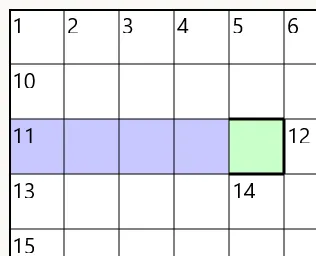
Resizing the indicated light produces this result: